

I. Introduction
The gpt-oss series is an open-source model first released by OpenAI in August 2025.gpt-oss:20b (fits systems with ~16 GB memory) gpt-oss:120b (designed for ≥ 60 GB memory)You can run it locally with Ollama. No cloud calls. Data stays on your machine, which helps with privacy and latency. Dify is an open-source platform for building AI Agents and Workflows. This guide shows how to run gpt-oss with Ollama and plug it into Dify for a private, high-performance setup.
II. Environment Setup
Step 1: Run gpt-oss with Ollama
- Install Ollama
- Pull a model
- Start Ollama
Step 2: Install Dify locally
See the Dify docs for full instructions. Or follow the quick tutorial below.Prerequisites
Install Docker and make sure Docker Engine is running.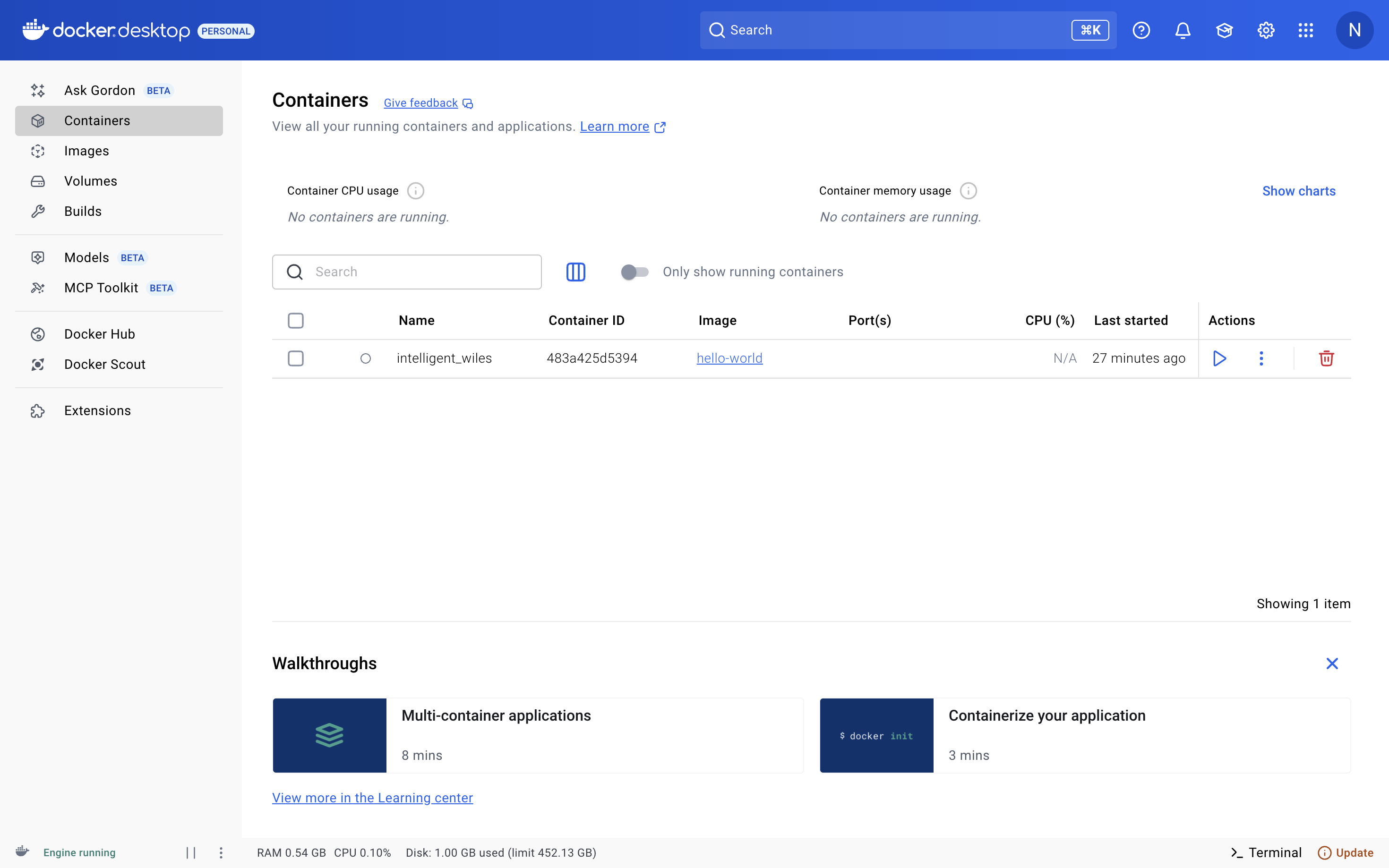
Install steps
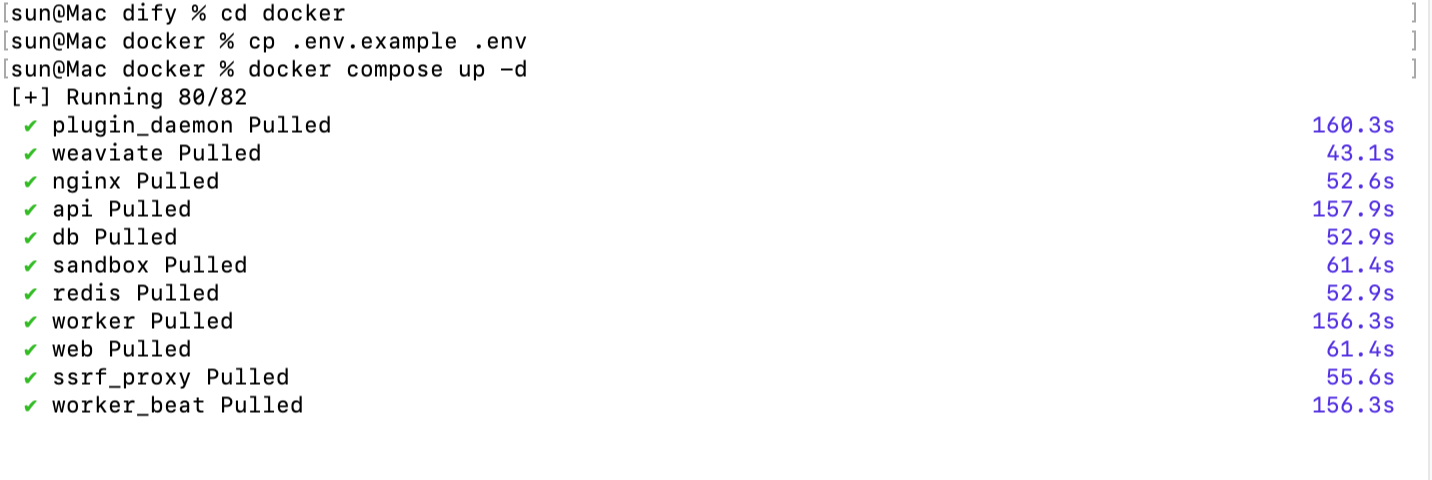 Open your local Dify instance and complete the initial setup.
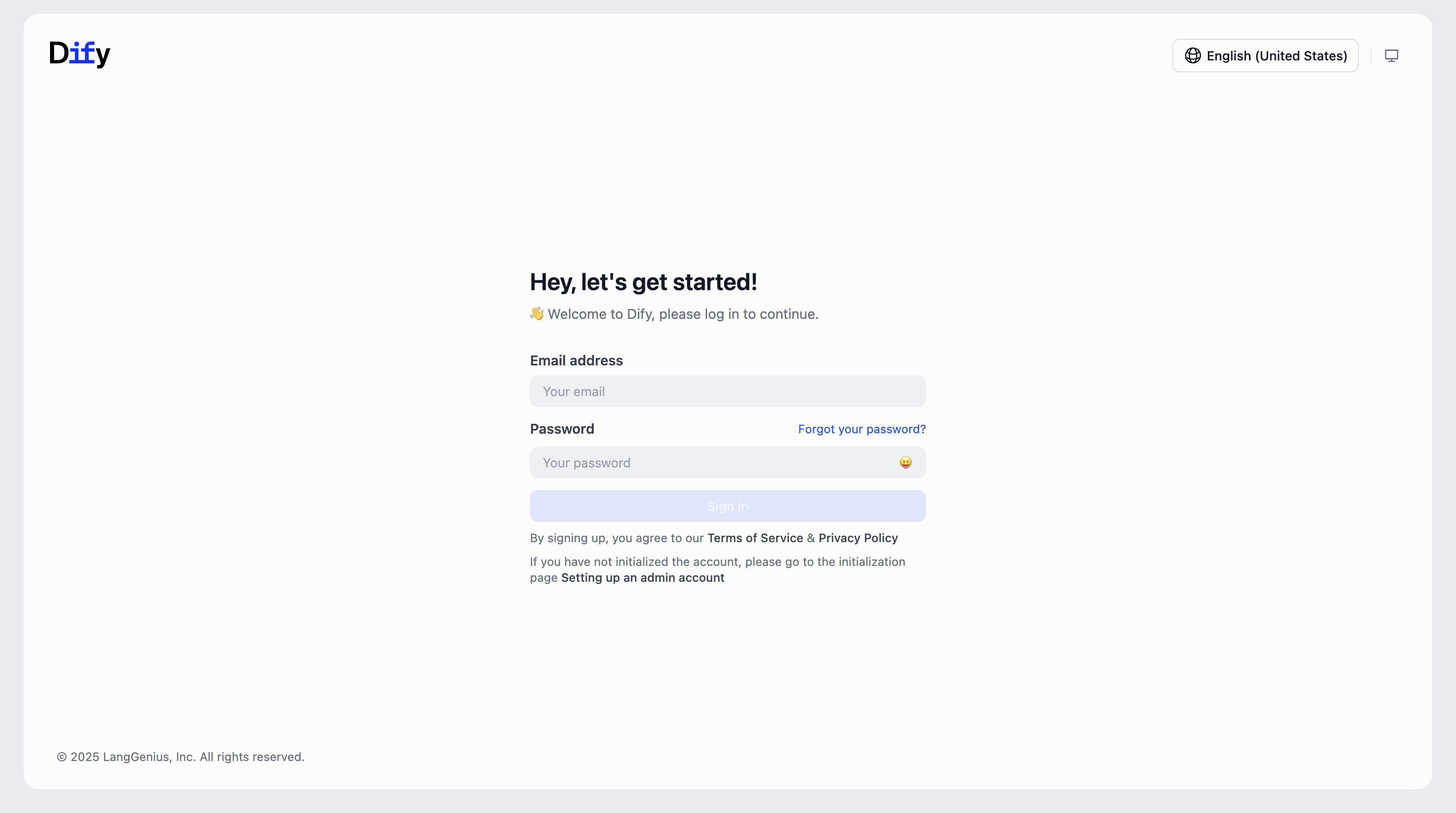
III. Add the model and test chat
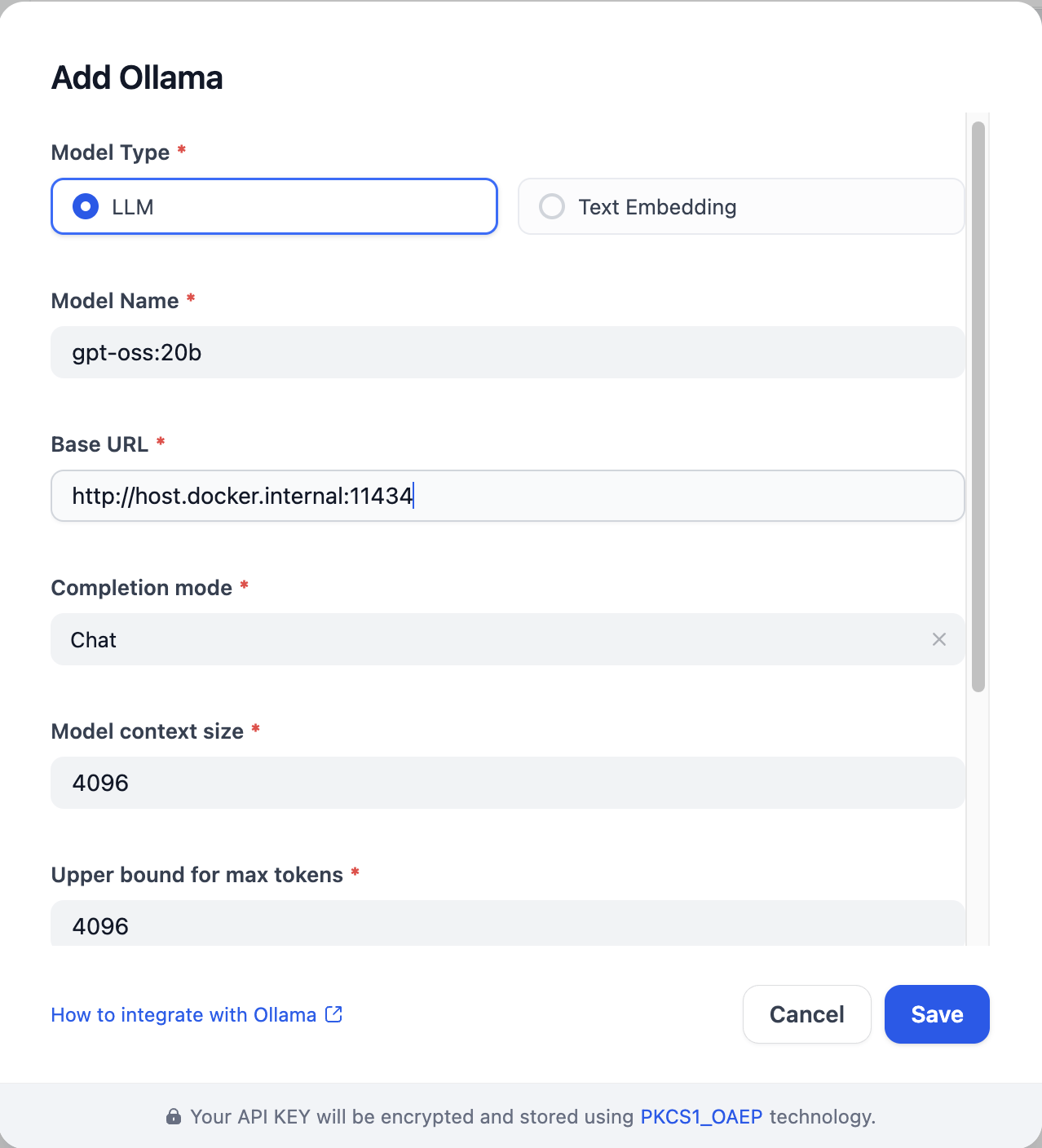
- In Settings → Model Providers → Ollama , click Add Ollama model type .
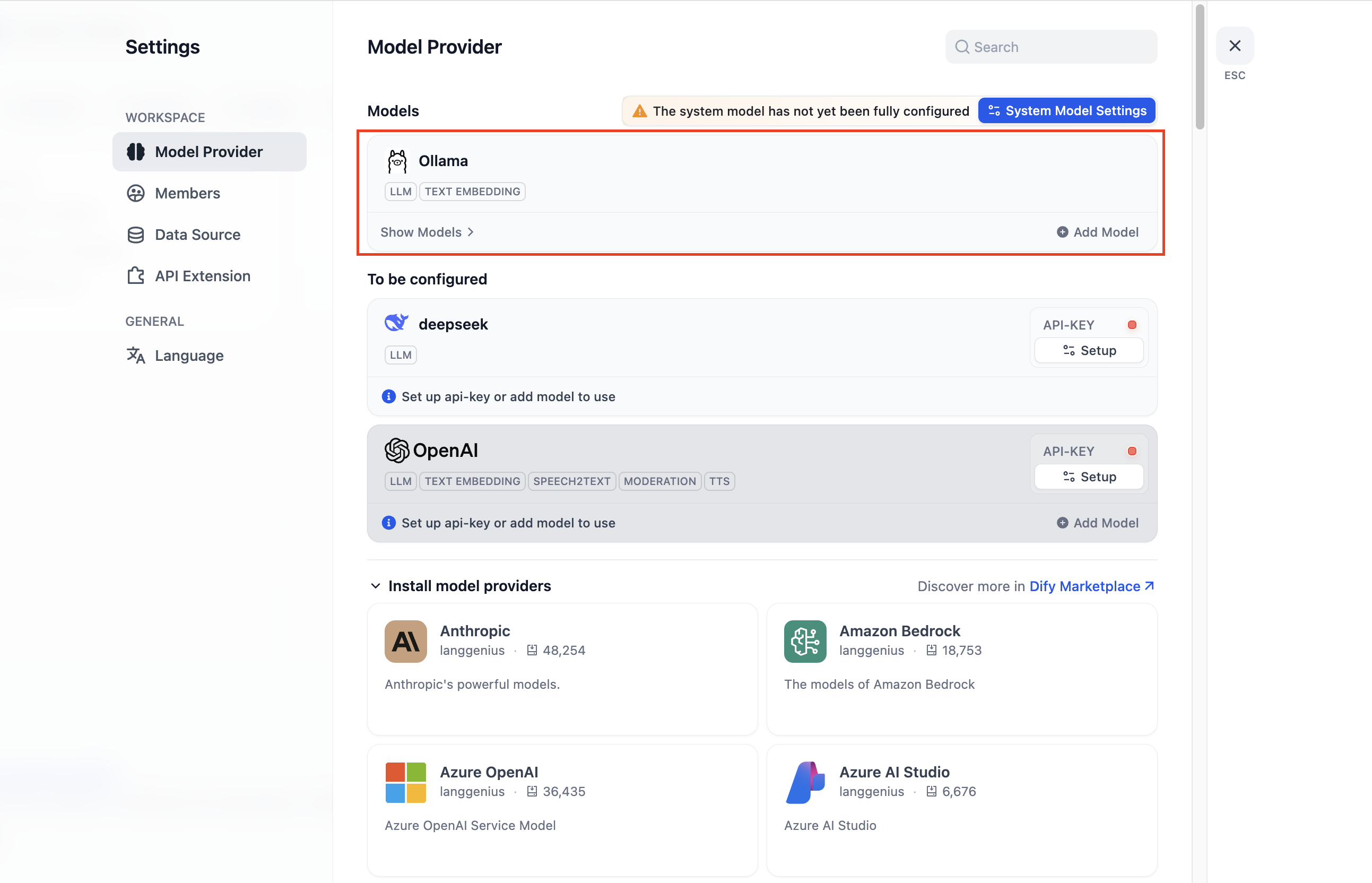
- Set Base URL to
http://localhost:11434, select Model namegpt-oss:20b, and fill in the required fields.
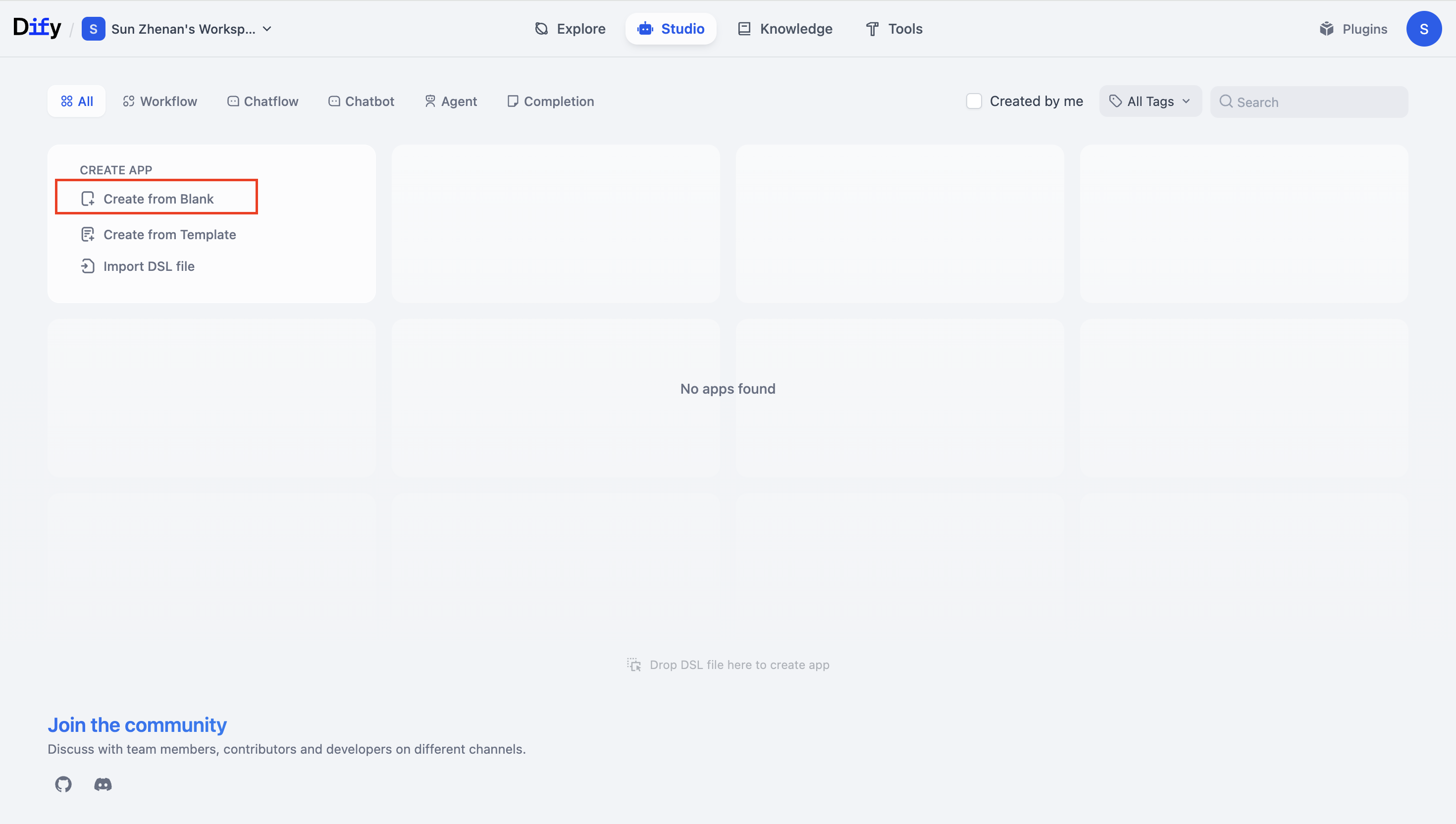
- Create a blank template
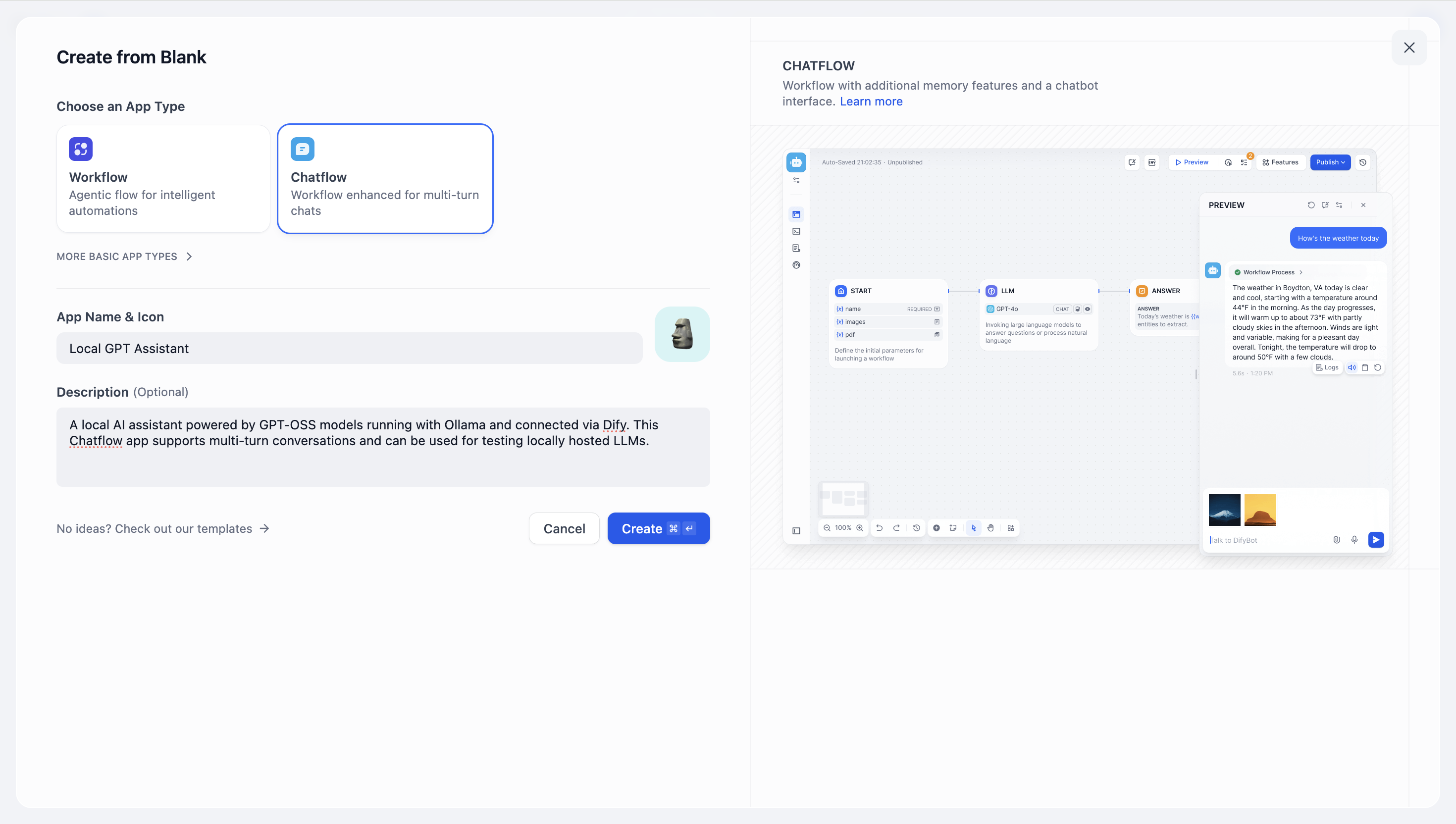
- Select the app or workflow type you want to build.
IV. Verification and Usage
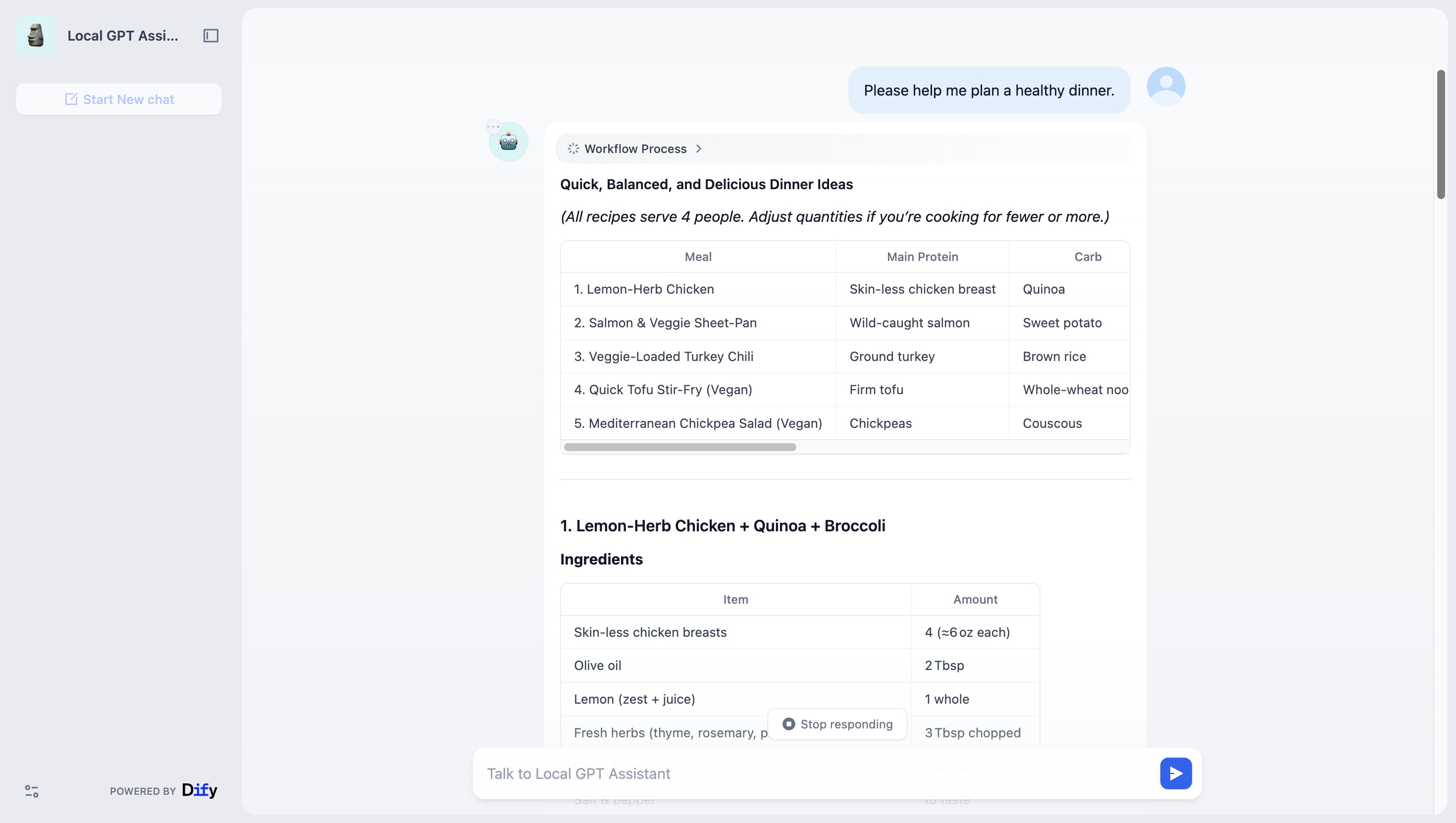
- On Dify’s model testing page, send a prompt and check that the response looks correct.
-
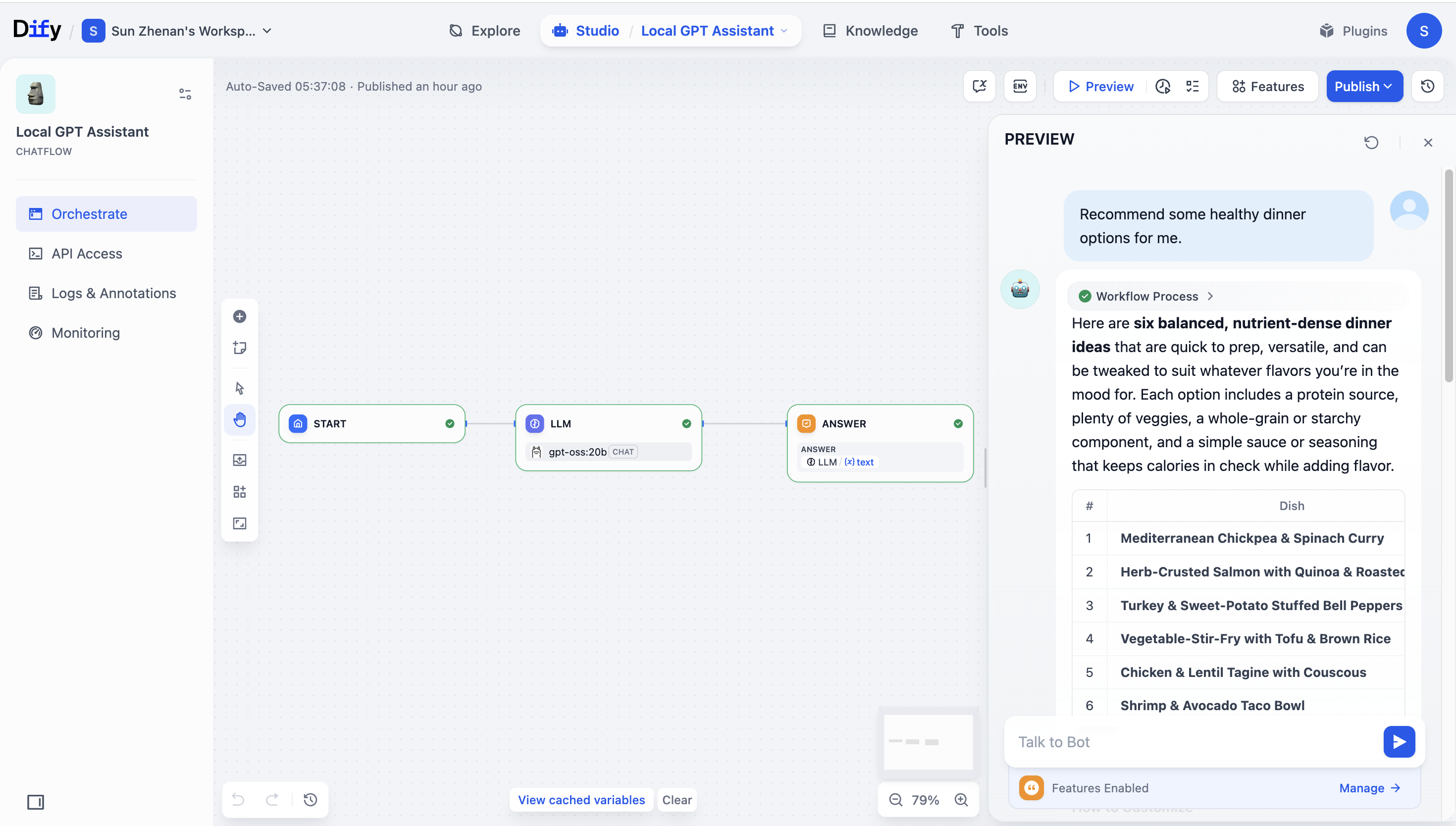
In a workflow, add an LLM node, select
gpt-oss:20b, and connect the nodes end to end.
V. Appendix — FAQ and tips
Model Pull Is Slow- Configure a Docker proxy or use an image mirror to speed up downloads.
- Use
gpt-oss:20b. You can enable CPU offloading, but responses will be slower.*
- Check firewall rules, port bindings, and Docker network settings to ensure connectivity.