

 Navigate to Knowledge at the top, then click Create from Knowledge Pipeline on the left. There’re three ways for you to get started.
Build from Scratch
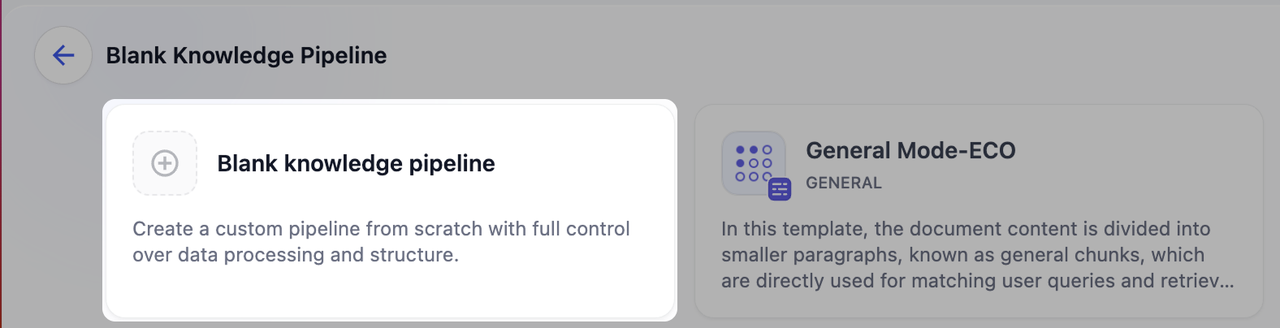 Click Blank Knowledge Pipeline to build a custom pipeline from scratch. Choose this option when you need custom processing strategies based on specific data source and business requirements.
Templates
Dify offers two types of templates: Built-in Pipeline and Customized. Both template cards display name of knowledge base, description, and tags (including chunk structure).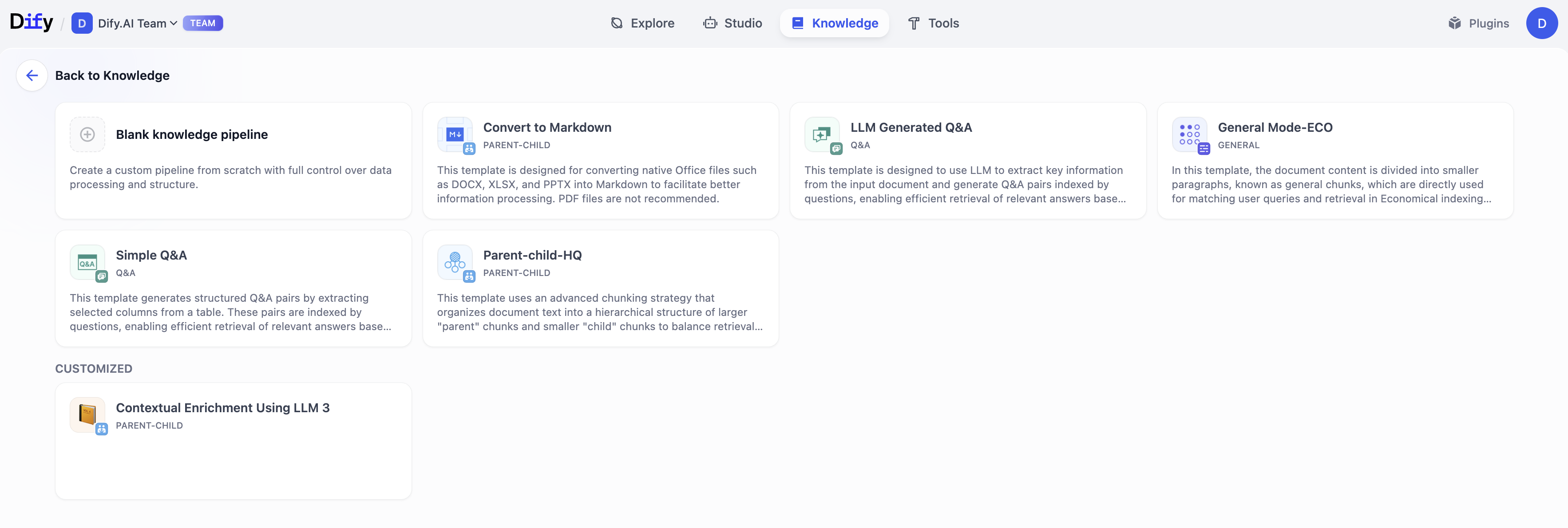
Built-in Pipeline
Built-in pipelines are official knowledge base templates pre-configured by Dify. These templates are optimized for common document structures and use cases. Simply click Choose to get started.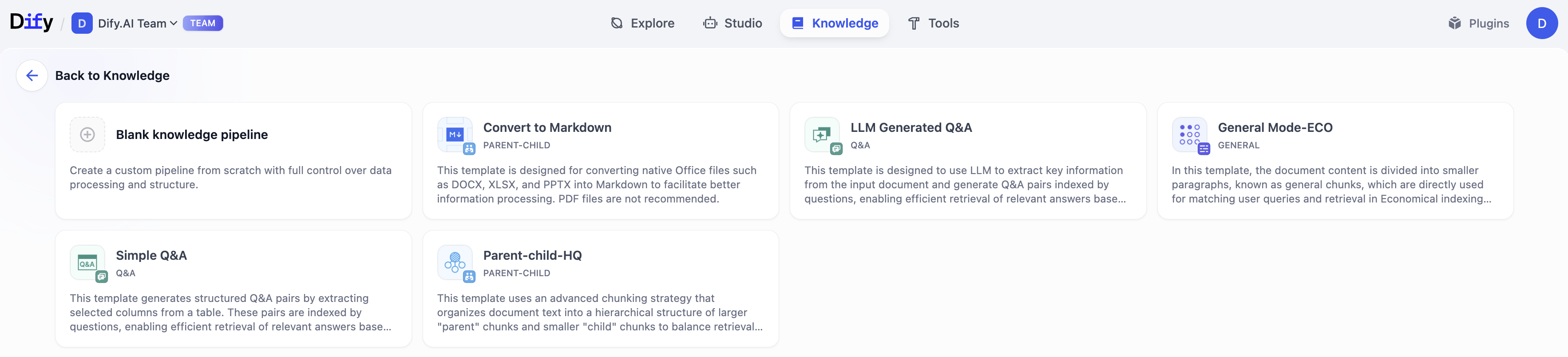 Types
Types
| Name | Chunk Structure | Index Method | Retrieval Setting | Description |
|---|---|---|---|---|
| General Mode-ECO | General | Economical | Inverted Index | Divide document content into smaller paragraphs, directly used for matching user queries and retrieval. |
| Parent-child-HQ | Parent-Child | High Quality | Hybrid Search | Adopt advanced chunking strategy, dividing document text into larger parent chunks and smaller child chunks. The parent chunks contain child chunks which ensure both retrieval precision and maintain contextual integrity. |
| Simple Q&A | Question & Answer | High Quality | Vector Search | Convert tabular data into question-answer format, using question matching to quickly hit corresponding answer information. |
| LLM Generated Q&A | Question & Answer | High Quality | Vector Search | Generate structured question-answer pairs with large language models based on original text paragraphs. Find relevant answer by using question matching mechanism. |
| Convert to Markdown | Parent-child | High Quality | Hybrid Search - Weighted Score | Designed for Office native file formats such as DOCX, XLSX, and PPTX, converting them to Markdown format for better information processing. ⚠️ Note: PDF files are not recommended. |
Customized
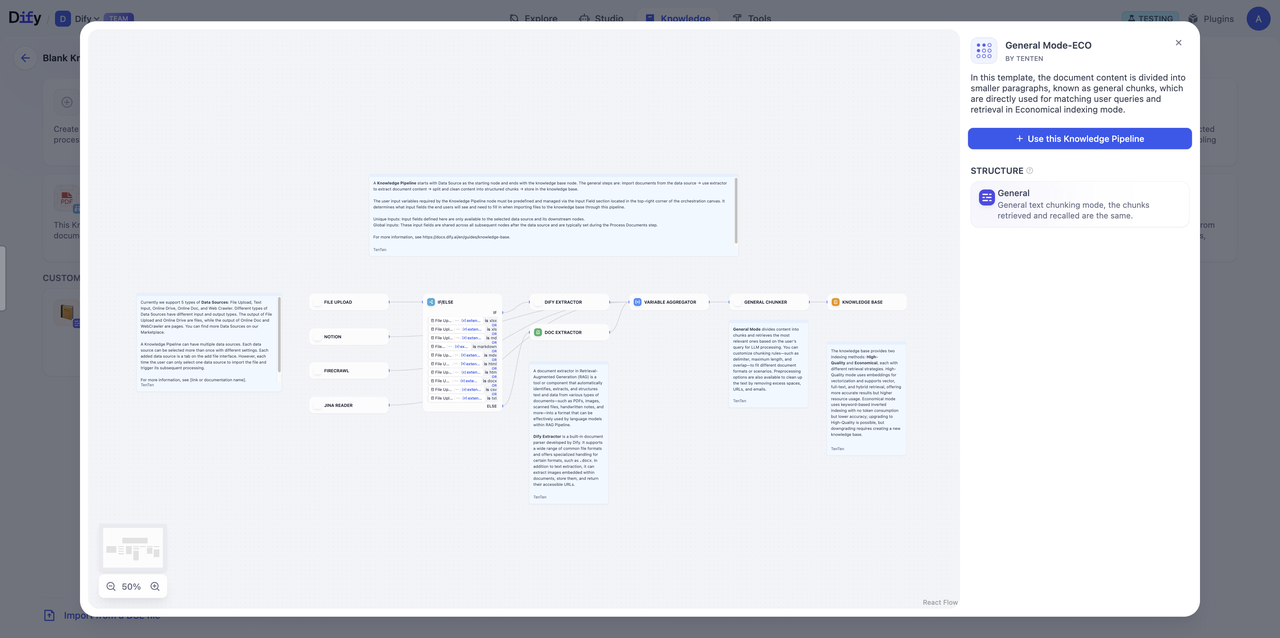
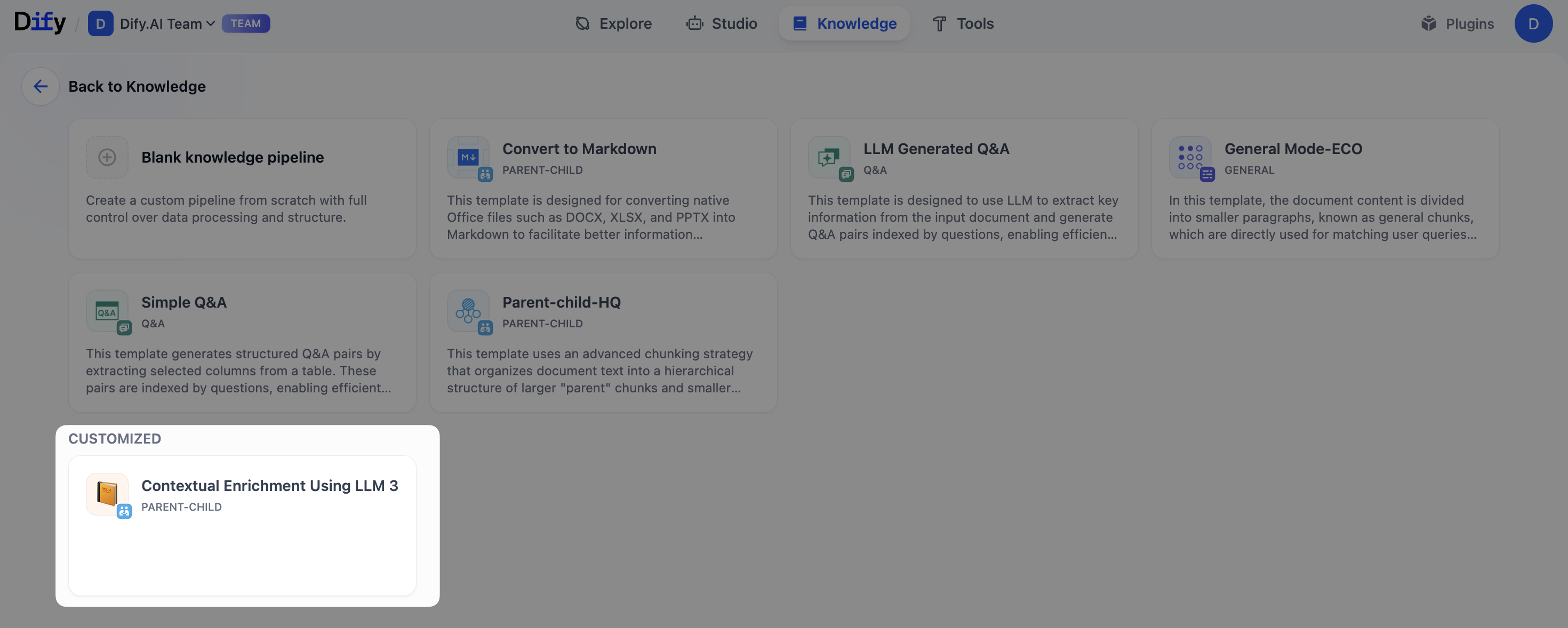 Customized templates are user-created and published knowledge pipeline. You can choose a template to start, export the DSL, or view detailed information for any template.
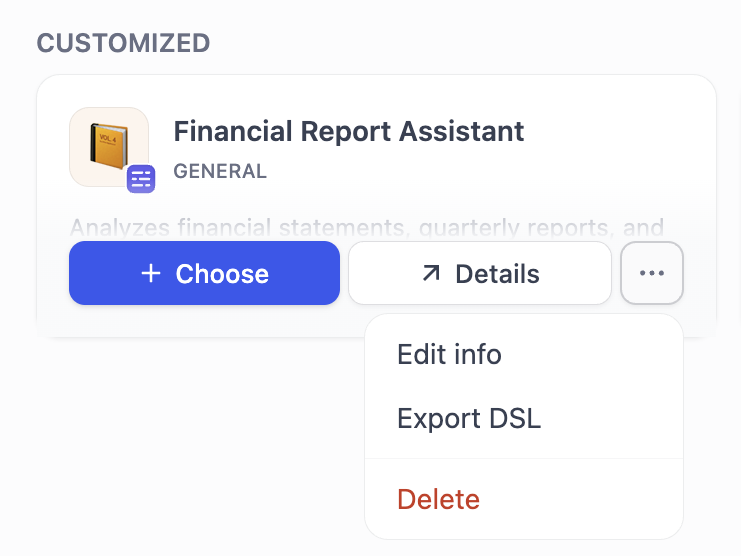 To create a knowledge base from a template, click Choose on the template card. You can also create knowledge base by clicking Use this Knowledge Pipeline when previewing a template. Click More to edit pipeline information, export pipeline, or delete the template.
Import Pipeline
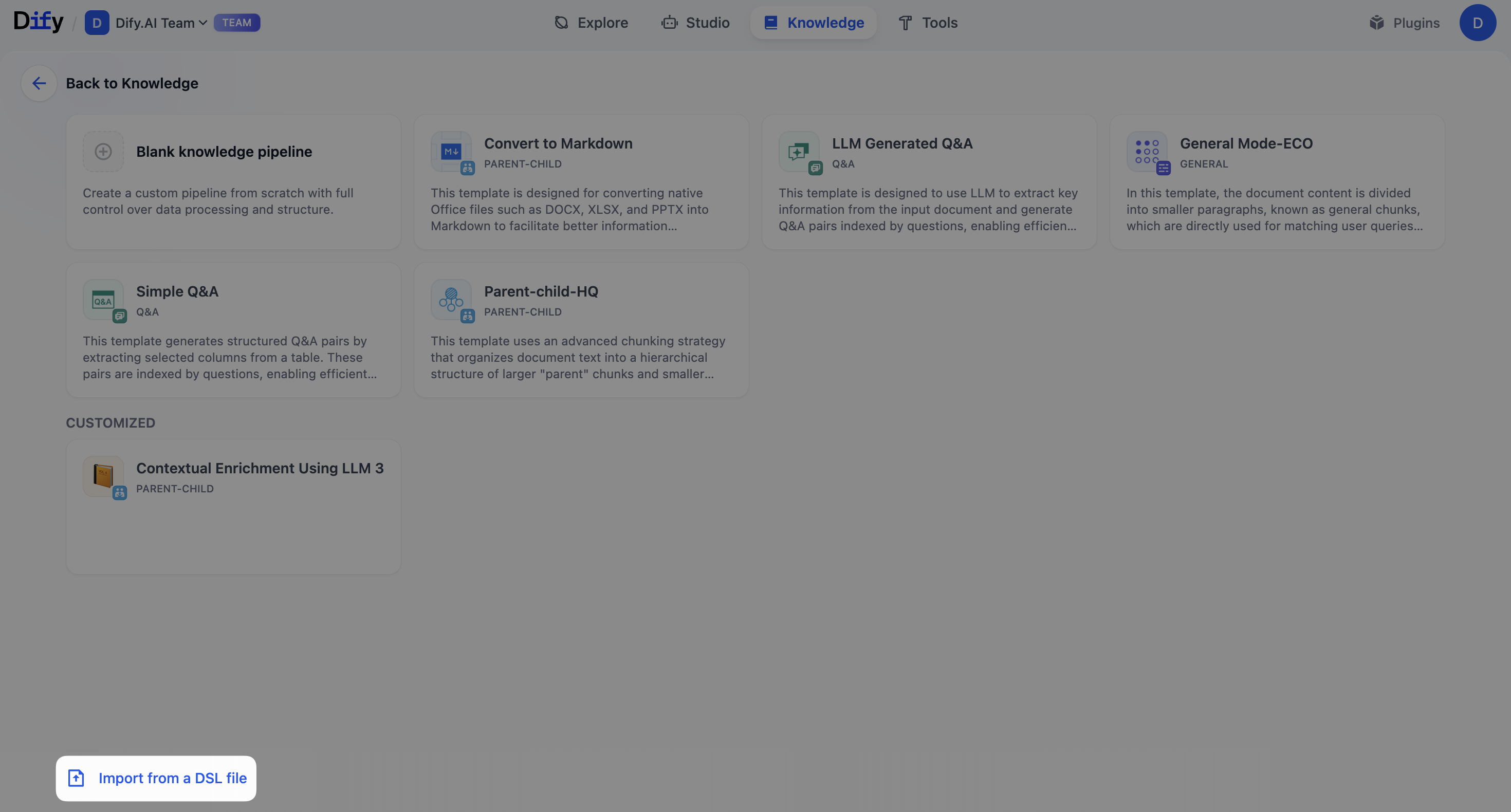 Import a pipeline of a previously exported knowledge pipeline to quickly reuse existing configurations and modify them for different scenarios or requirements. Navigate to the bottom left of the page and click Import from a DSL File. Dify DSL is a YAML-based standard that defines AI application configurations, including model parameters, prompt design, and workflow orchestration. Similar to workflow DSL, knowledge pipeline uses the same YAML format standard to define processing workflows and configurations within a knowledge base.
What’s in a knowledge pipeline DSL:
Import a pipeline of a previously exported knowledge pipeline to quickly reuse existing configurations and modify them for different scenarios or requirements. Navigate to the bottom left of the page and click Import from a DSL File. Dify DSL is a YAML-based standard that defines AI application configurations, including model parameters, prompt design, and workflow orchestration. Similar to workflow DSL, knowledge pipeline uses the same YAML format standard to define processing workflows and configurations within a knowledge base.
What’s in a knowledge pipeline DSL:
| Name | Description |
|---|---|
| Data Sources | Local files, websites, online documents, online drive, web crawler |
| Data Processing | Document extraction, content chunking, cleaning strategies |
| Knowledge Configuration | Indexing methods, retrieval settings, storage parameters |
| Node Orchestration | Arrangement and sequence |
| User Input Form | Custom parameter fields (if configured) |
Edit this page | Report an issue