

Models Supporting JSON Schema Functionality
gpt-4o-mini-2024-07-18and later versionsgpt-4o-2024-08-06and later versions
For more information on the structured output capabilities of OpenAI series models, please refer to Structured Outputs.
Usage of Structured Outputs
- Connect the LLM to tools, functions, data, and other components within the system. Set
strict: truein the function definition. When enabled, the Structured Outputs feature ensures that the parameters generated by the LLM for function calls precisely match the JSON schema you provided in the function definition. - When the LLM responds to users, it outputs content in a structured format according to the definitions in the JSON Schema.
Enabling JSON Schema in Dify
Switch the LLM in your application to one of the models supporting JSON Schema output mentioned above. Then, in the settings form, enableJSON Schema and fill in the JSON Schema template. Simultaneously, enable the response_format column and switch it to the json_schema format.
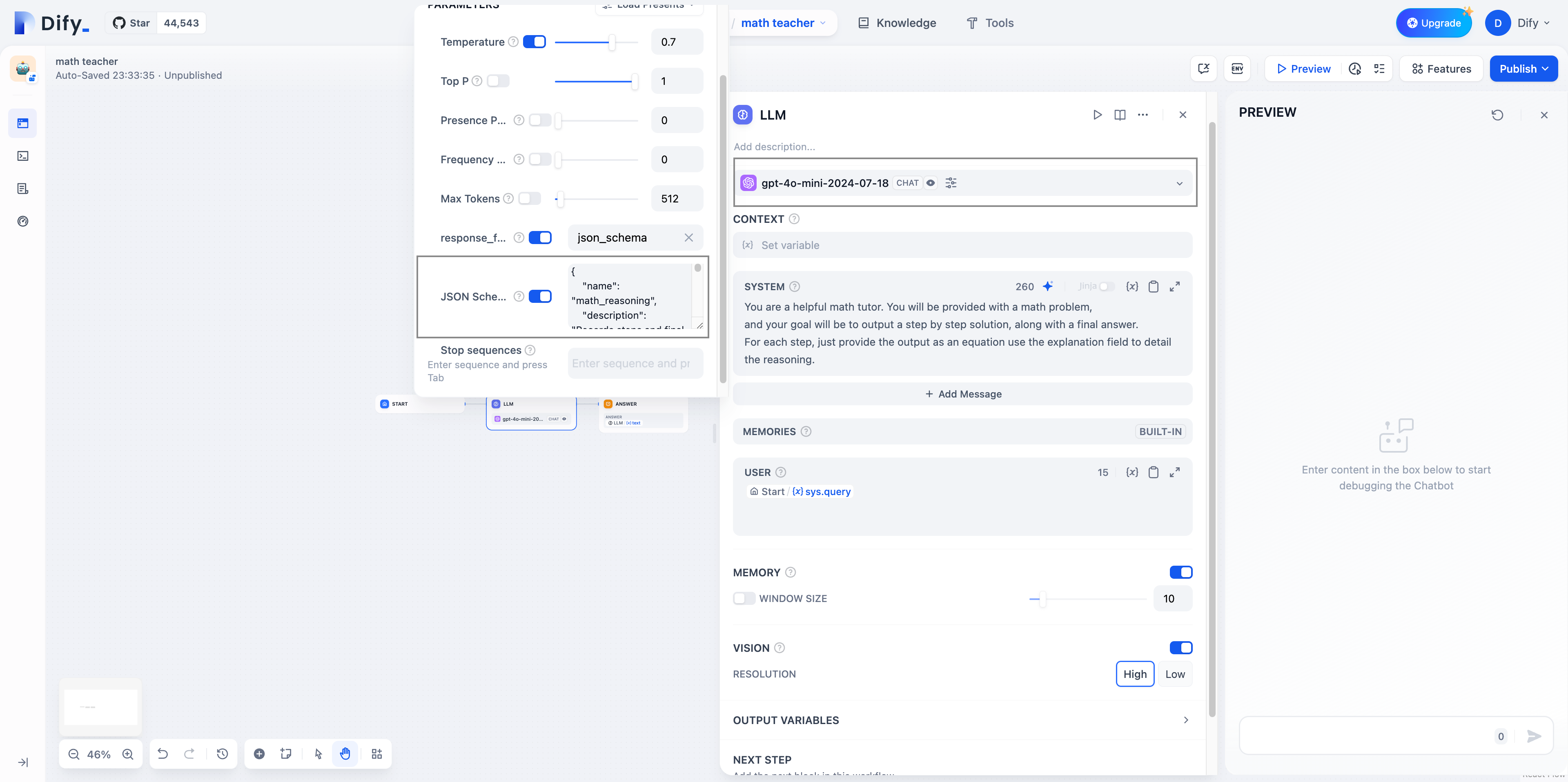 The content generated by the LLM supports output in the following format:
- Text: Output in text format
Defining JSON Schema Templates
You can refer to the following JSON Schema format to define your template content:- Define basic information:
- Set
name: Choose a descriptive name for your schema. - Add
description: Briefly explain the purpose of the schema. - Set
strict: true to ensure strict mode.
- Set
- Create the
schemaobject:- Set
type: "object"to specify the root level as an object type. - Add a
propertiesobject to define all fields.
- Set
- Define fields:
- Create an object for each field, including
typeanddescription. - Common types:
string,number,boolean,array,object. - For arrays, use
itemsto define element types. - For objects, recursively define
properties.
- Create an object for each field, including
- Set constraints:
- Add a
requiredarray at each level, listing all required fields. - Set
additionalProperties: falseat each object level.
- Add a
- Handle special fields:
- Use
enumto restrict optional values. - Use
$refto implement recursive structures.
- Use
Example
1. Chain of thought(routine)
JSON Schema ExampleUI generation(root recursion mode)
JSON Schema Example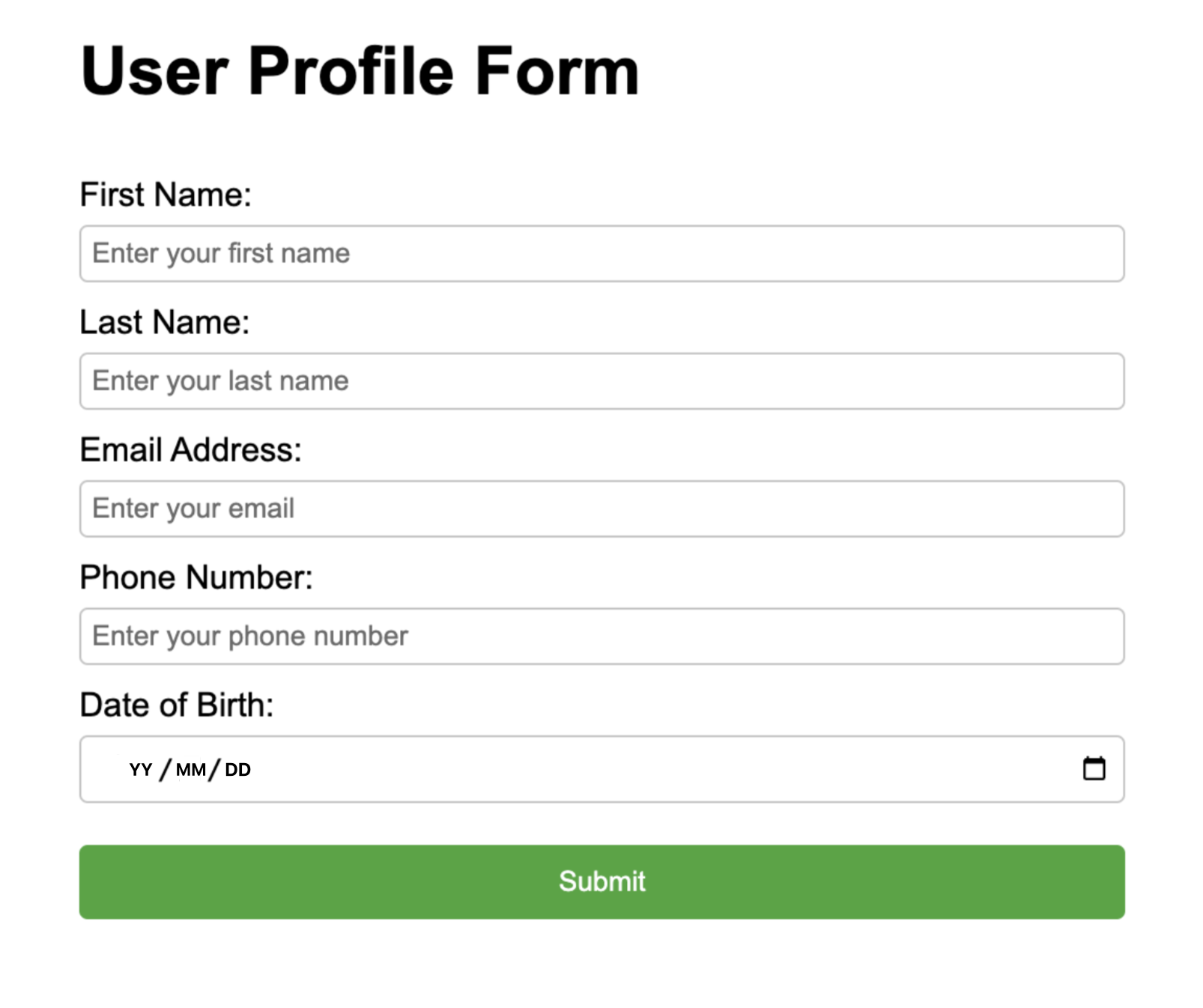
Tips
- Ensure that the application prompt includes instructions on how to handle cases where user input cannot produce a valid response.
- The model will always attempt to follow the provided schema. If the input content is completely unrelated to the specified schema, it may cause the LLM to generate hallucinations.
- If the LLM detects that the input is incompatible with the task, you can include language in the prompt to specify returning empty parameters or specific sentences.
- All fields must be
required, For details, please refer to Supported Schemas. - additionalProperties: false must always be set in objects.
- The root level object of the schema must be an object.
Appendix
Edit this page | Report an issue