

You only need to prepare text content, such as:
- Long text content (TXT, Markdown, DOCX, HTML, JSONL, or even PDF files)
- Structured data (CSV, Excel, etc.)
- Online data source(Web pages, Notion, etc.)
If your team already has an independent knowledge base, you can use the “Connect to an External Knowledge Base” feature to establish its connection with Dify.
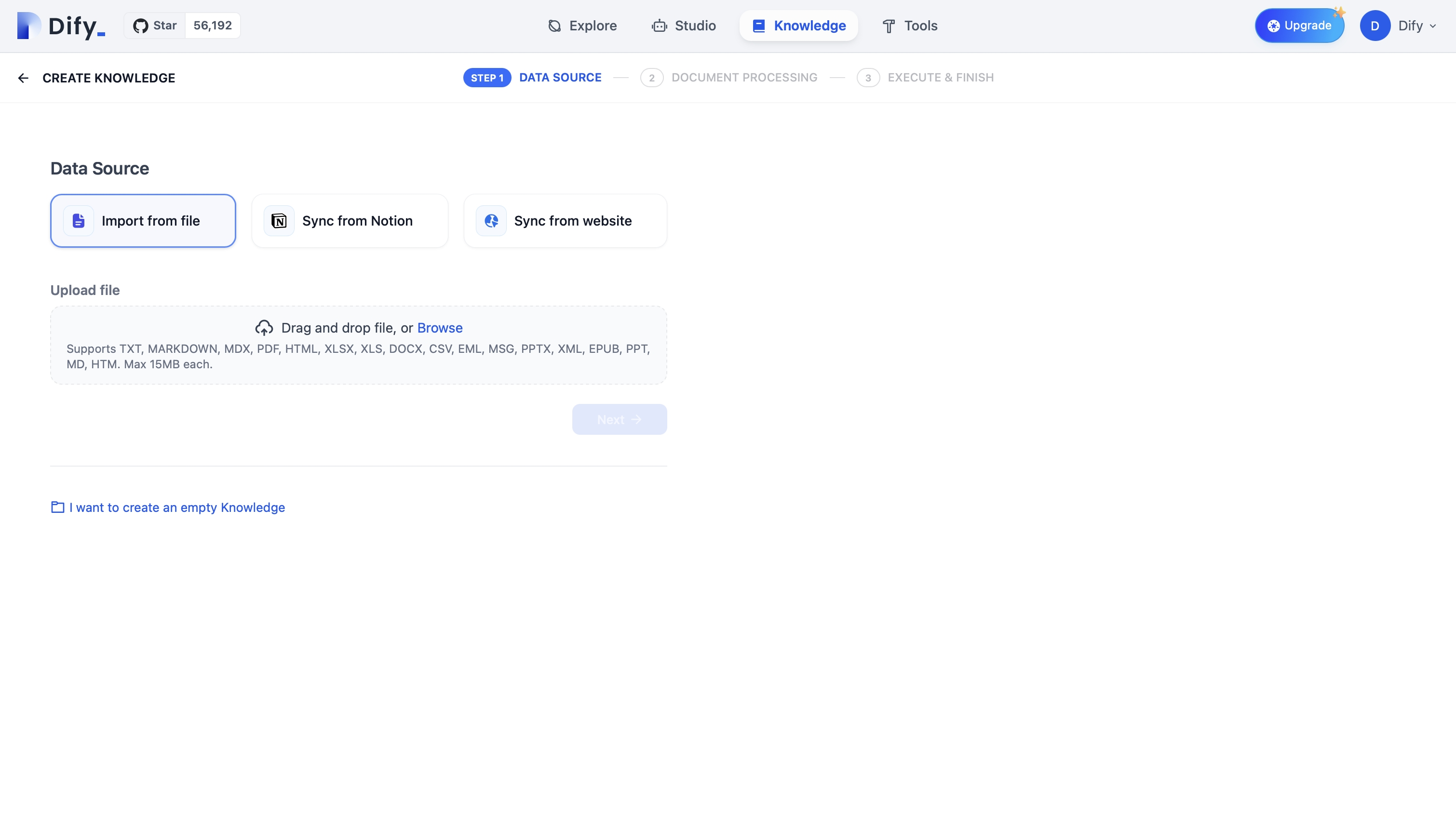
Use Case
If you want to create an AI customer support assistant based on your existing knowledge base and product documentation, you can simply upload those files to the Knowledge Base in Dify and then set up a conversational application. Traditionally, going from raw text training to a fully developed AI customer support chatbot could take weeks, plus it’s challenging to maintain and iterate effectively. In Dify, the entire process takes just three minutes, after which you can immediately begin gathering user feedback.Knowledge Base and Documents
In Dify, a Knowledge Base is a collection of Documents, each of which can include multiple Chunks of content. You can integrate an entire knowledge base into an application to serve as a retrieval context, drawing from uploaded files or data synchronized from other sources. If your team already has an independent, external knowledge that is separate from the Dify platform, you can link it using the External Knowledge Base feature. This way, you don’t need to re-upload all your content to Dify. Your AI app can directly access and process information in real time from your team’s existing knowledge.Edit this page | Report an issue